Scene 0100–04s
Fast-moving issue
Fast-moving issue
Messy inbox, message threads, document comments, and a neutral media headline.
“By the time the brief is ready, the issue has already changed.”
Recommended improved script
A polished webpage version of the Metis video narrative, turning the recommended 30-second script into a clear, leadership-facing storyboard and production-ready message hierarchy.
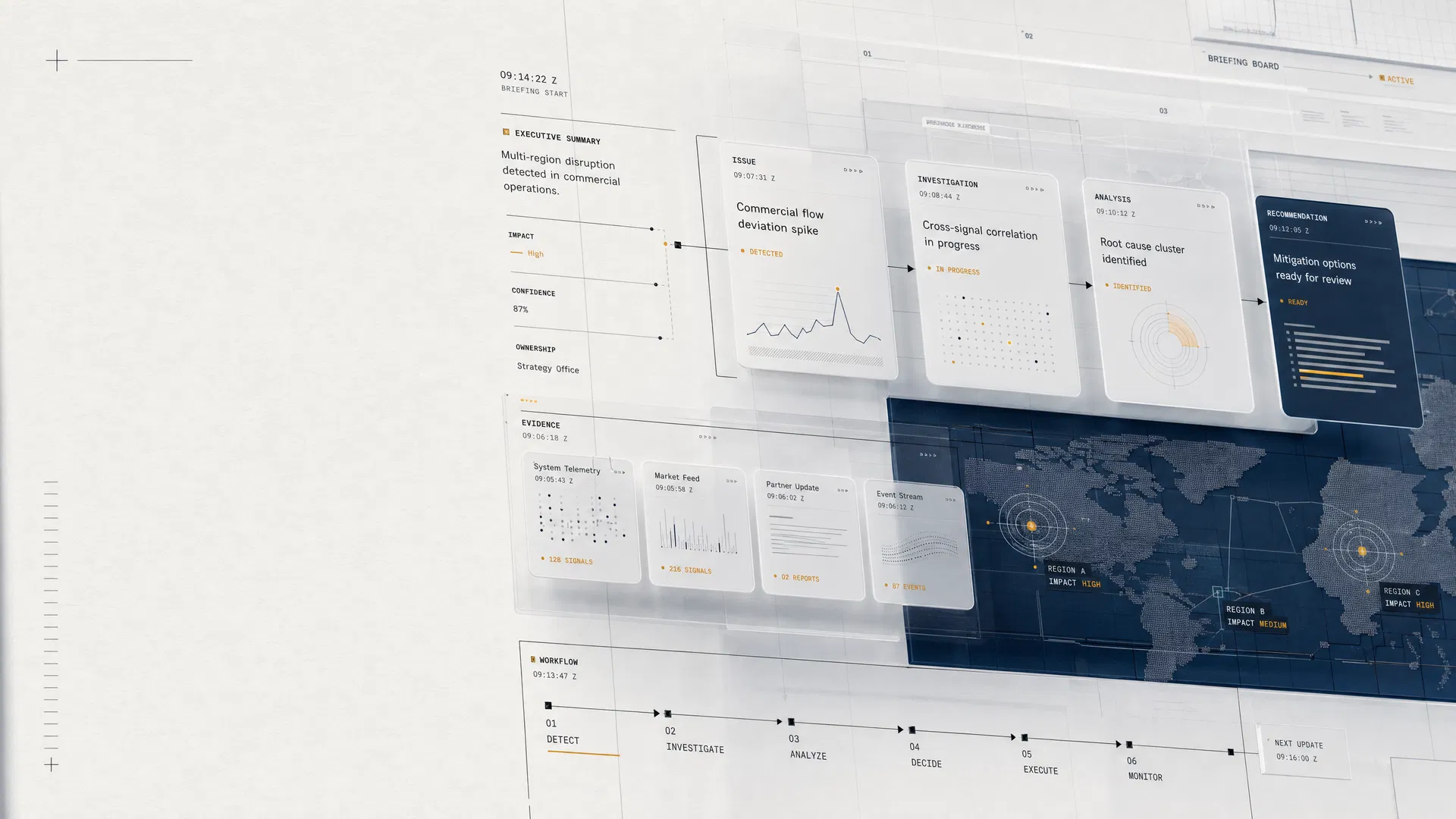
The page preserves the script’s strongest narrative arc: fragmented updates create pressure, Metis imposes structure, and the final output becomes a source-backed brief that can be circulated with more confidence.
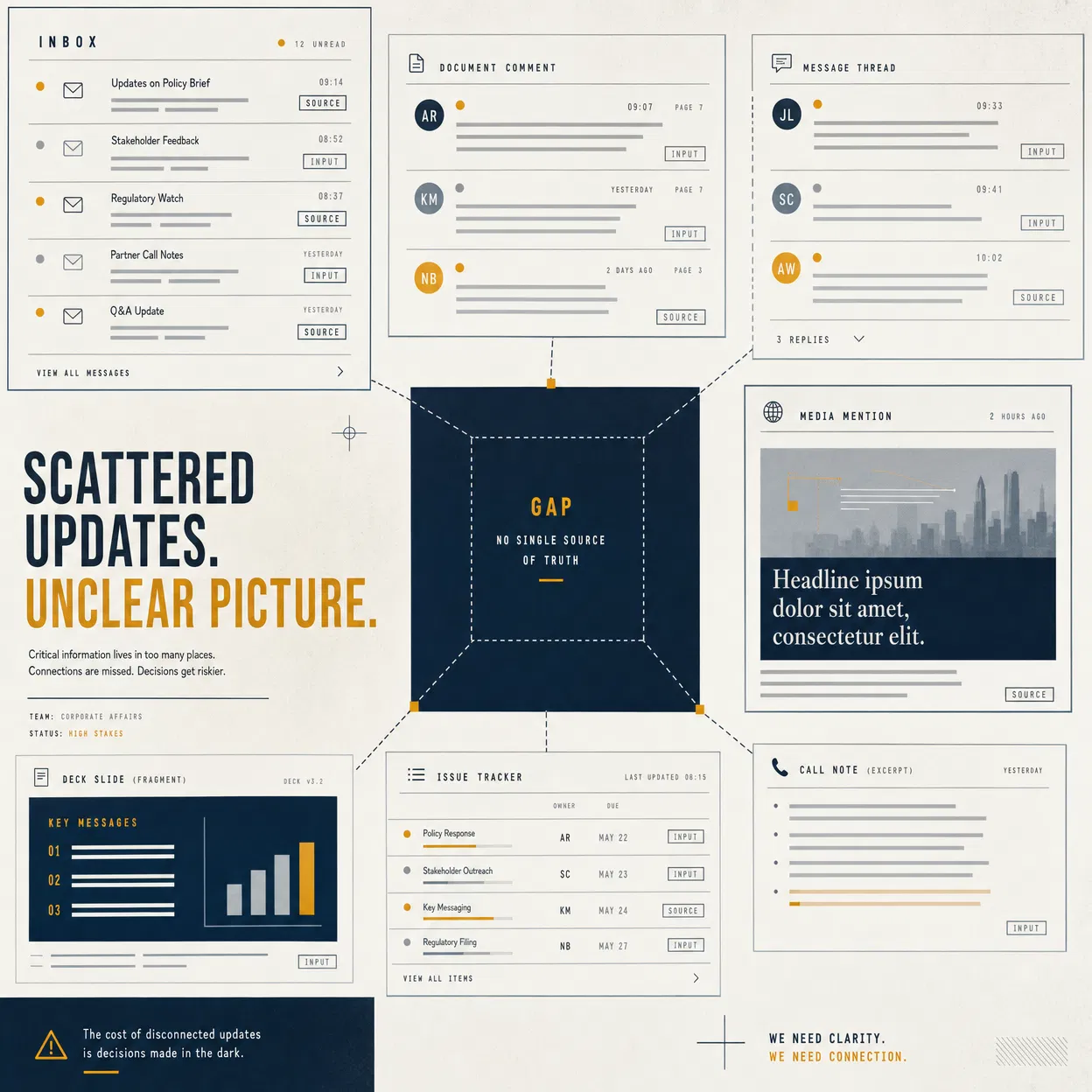
Visual opening
The opening scenes should feel recognisable to communications and corporate affairs teams: scattered inputs, unclear ownership, and leadership pressure arriving before the team has a settled position.
Scene-by-scene storyboard
Fast-moving issue
Messy inbox, message threads, document comments, and a neutral media headline.
“By the time the brief is ready, the issue has already changed.”
Scattered updates
Email, Teams-style messages, Word comments, and deck edits arrive at once.
“Updates arrive across threads, documents, side conversations, and last-minute edits.”
Leadership needs clarity
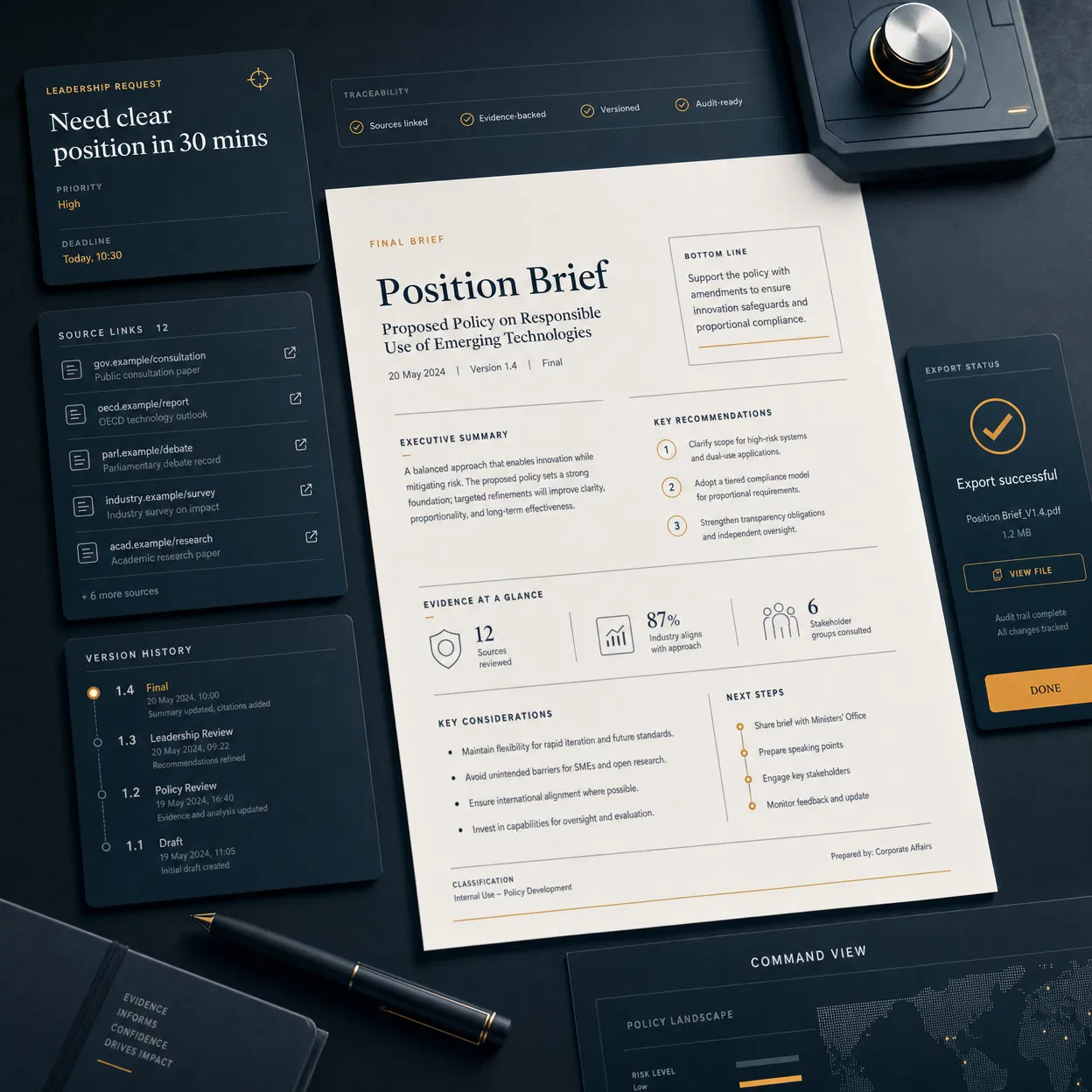
A leadership request appears: Need a clear position in 30 minutes.
“Leadership needs clarity. The team needs to know what changed, what is sourced, and what is still missing.”
One structured brief
The messy workflow resolves into a clean Metis command board.
“Metis gives corporate affairs and communications teams one place to build a structured issue brief.”
Sources. Gaps. Input. Compare. Export.
Sources, Gaps, Input, Compare, and Export appear as a single controlled flow.
“Link sources, capture gaps, gather internal input, compare versions, and export a leadership-ready brief.”
See the briefing workflow
Final product screen, brand mark, and clear CTA.
“Metis — source-backed briefing for fast-moving issues.”
Final recommended script
By the time the brief is ready, the issue has already changed.
Updates arrive across threads, documents, side conversations, and last-minute edits.
Leadership needs clarity. The team needs to know what changed, what is sourced, and what is still missing.
Metis gives corporate affairs and communications teams one place to build a structured issue brief.
Link sources, capture gaps, gather internal input, compare versions, and export a leadership-ready brief.
Metis — source-backed briefing for fast-moving issues.
Product proof
The strongest version of the video will make the product visible through five concrete actions: linking sources, capturing gaps, collecting input, comparing versions, and exporting the final brief.
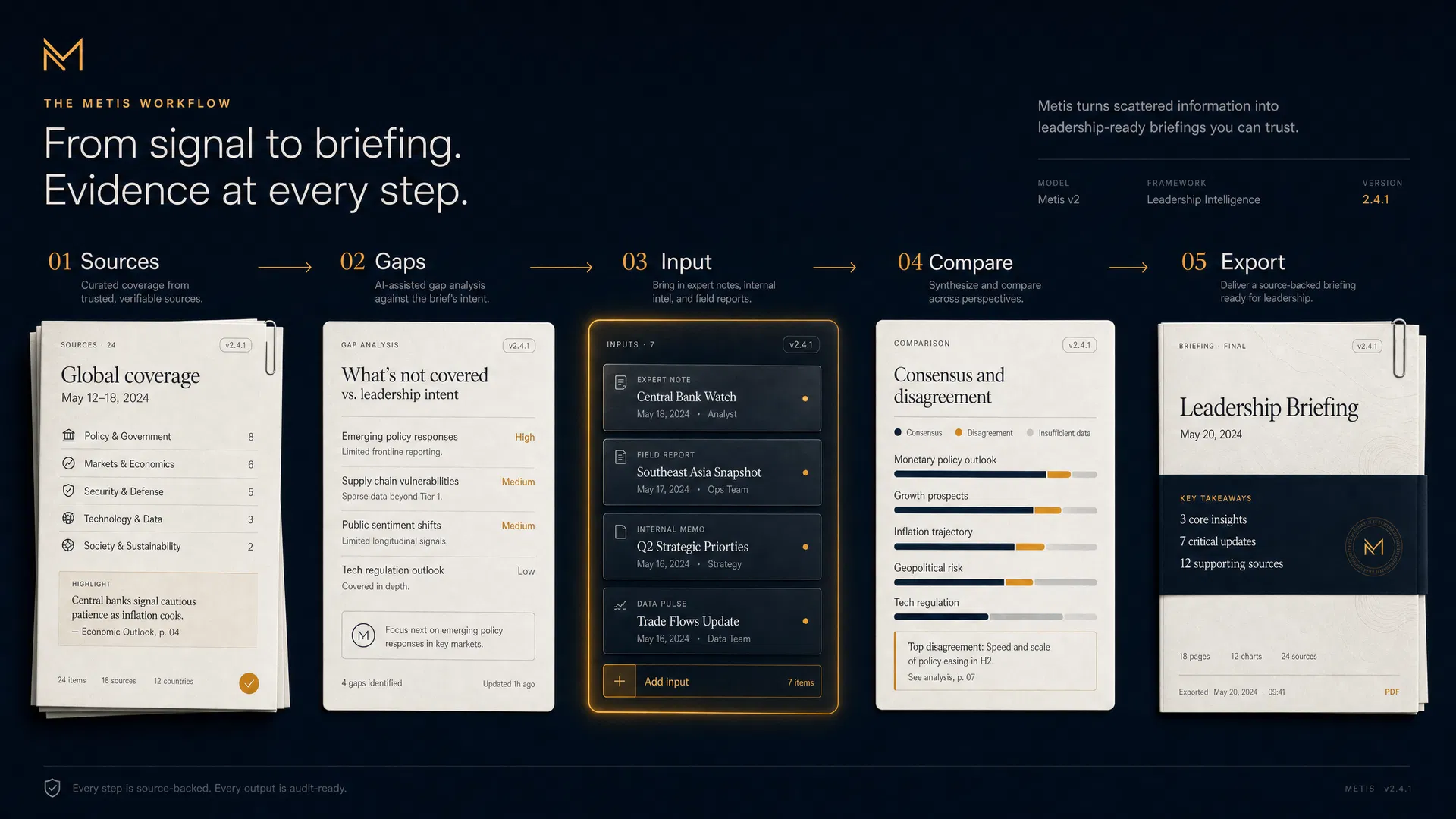
Link each claim to supporting material so the brief carries its evidence with it.
Flag what is unknown, unresolved, or waiting on internal confirmation.
Gather expert notes and stakeholder contributions without losing the record.
Review changes across drafts before a leadership-facing version is circulated.
Turn the live working brief into a leadership-ready output with context intact.
End frame
Instead of a hard sell, the final frame should invite the viewer to inspect the system. The recommended CTA is direct, product-led, and appropriate for an audience that needs trust before conversion.
Production guardrails
Use fictional examples only. Avoid real companies, real crises, or confidential-looking details.
Keep on-screen text minimal so the voiceover carries the narrative and the UI carries proof.
Show product micro-moments: a source linked, a gap flagged, input requested, versions compared, and export completed.
Keep motion crisp and operational: directional reveals, subtle status pulses, and no decorative animation that dilutes urgency.